1
Write and select
Type or paste plain text into the editor, then highlight the exact word, line, or phrase you want to style.
Select any part of your message, add ANSI foreground or background colors, and copy a ready-to-paste Discord color code block.
Highlight text in the editor, then choose a style or color.
Type or paste plain text into the editor, then highlight the exact word, line, or phrase you want to style.
Choose bold, underline, a foreground color, or a background color. Apply multiple options to the same selection when needed.
Copy the generated Discord ANSI code block and paste it directly into a channel or direct message. Test the final appearance before publishing.
The generator uses standard SGR escape sequences inside an ansi fenced code block. Foreground codes run from 30–37, background codes from 40–47, while 1 applies bold and 4 applies underline.
| Text color | Text code | Background color | Background code | Best use |
|---|---|---|---|---|
| Dark gray | 30 | Blue black | 40 | Muted notes |
| Red | 31 | Rust | 41 | Warnings and alerts |
| Yellow green | 32 | Dark gray | 42 | Success messages |
| Gold | 33 | Gray | 43 | Highlights and rewards |
| Light blue | 34 | Light gray | 44 | Links and information |
| Pink | 35 | Blurple | 45 | Announcements |
| Teal | 36 | Silver | 46 | Labels and status |
| White | 37 | Cream | 47 | High-contrast text |
Use one accent color for deadlines, event names, release notices, or server maintenance information so the important detail is easier to scan.
Give success, warning, and error states distinct colors in manually posted dashboards, match summaries, or community updates.
Use restrained color and bold text to separate actions, cautions, and examples without turning the entire message into visual noise.
Combine foreground and background colors for compact banners or terminal-inspired messages while staying within Discord’s character limit.
People searching for “colour Discord gray” or “Discord grey colour” may mean either gray message text or a gray Discord interface. They use different controls: this generator styles selected message text with ANSI, while Discord’s Appearance settings change the app around every message.
Select text in the editor and choose Dark gray under Text color. The generator uses ANSI code 30 for the foreground inside the copied ansi block. Use it for muted notes or secondary information, and check contrast before posting.
Open User Settings → Appearance. Discord’s official guide lists Light, Ash, Dark, Onyx, and Sync with computer on desktop; mobile offers Light, Dark, Midnight, and Automatic. Ash uses a mid-gray background, while Dark and Onyx/Midnight use progressively darker gray or black surfaces.
Changing Discord’s theme affects your own app appearance and readability. It does not send gray text to other people. Discord also separates UI Density, Chat Message Display, zoom, chat font scaling, and message spacing from the theme itself. Additional colourful and custom themes may require Nitro.
Read Discord’s official Appearance guideWrite your message, select a word or phrase, apply a text or background color, then copy the generated ANSI code block. Paste the complete block into Discord without removing the opening and closing backticks.
ANSI SGR codes are invisible control sequences that describe text styles and terminal colors. Discord can interpret a supported subset when those sequences appear inside a fenced code block labeled ansi.
Yes. Choose the closest supported ANSI foreground color from the palette. Discord controls the final rendering, so the exact shade may differ by client or theme.
For gray message text, select your text and choose Dark gray in the foreground palette; this applies ANSI code 30. To make the Discord app itself gray, open User Settings and choose Appearance, then select a gray theme such as Ash or Dark where available.
Discord describes Ash as a mid-gray desktop theme, Dark as a dark-gray theme, and Onyx as a gray-and-black desktop theme. On mobile, Midnight is the darker gray-and-black option. Theme availability and names can differ by platform.
No. Appearance themes change how Discord looks on your device. They do not recolor the messages you send. Use an ANSI code block when you want supported colored text inside a message.
Support and appearance can vary across Discord mobile versions. The copied message remains an ANSI code block, but desktop clients usually offer the most consistent display. Always test the message in your target channel.
Check that the first fence is exactly ```ansi, that the escape sequences were copied intact, and that the closing ``` is present. Client support or message sanitization can also affect rendering.
Yes. Select the same text and apply more than one option. The generator nests the styles and restores the prior ANSI state after each formatted section.
The editor and ANSI conversion run locally in your browser. Your message is not uploaded by this tool. As with any copied content, review the output before posting it publicly.
No. Standard Discord Markdown handles bold, italics, spoilers, headings, and similar formatting. Colored text uses ANSI escape sequences inside a code block, so it has different appearance and compatibility limits.
Useful tools selected for this workflow
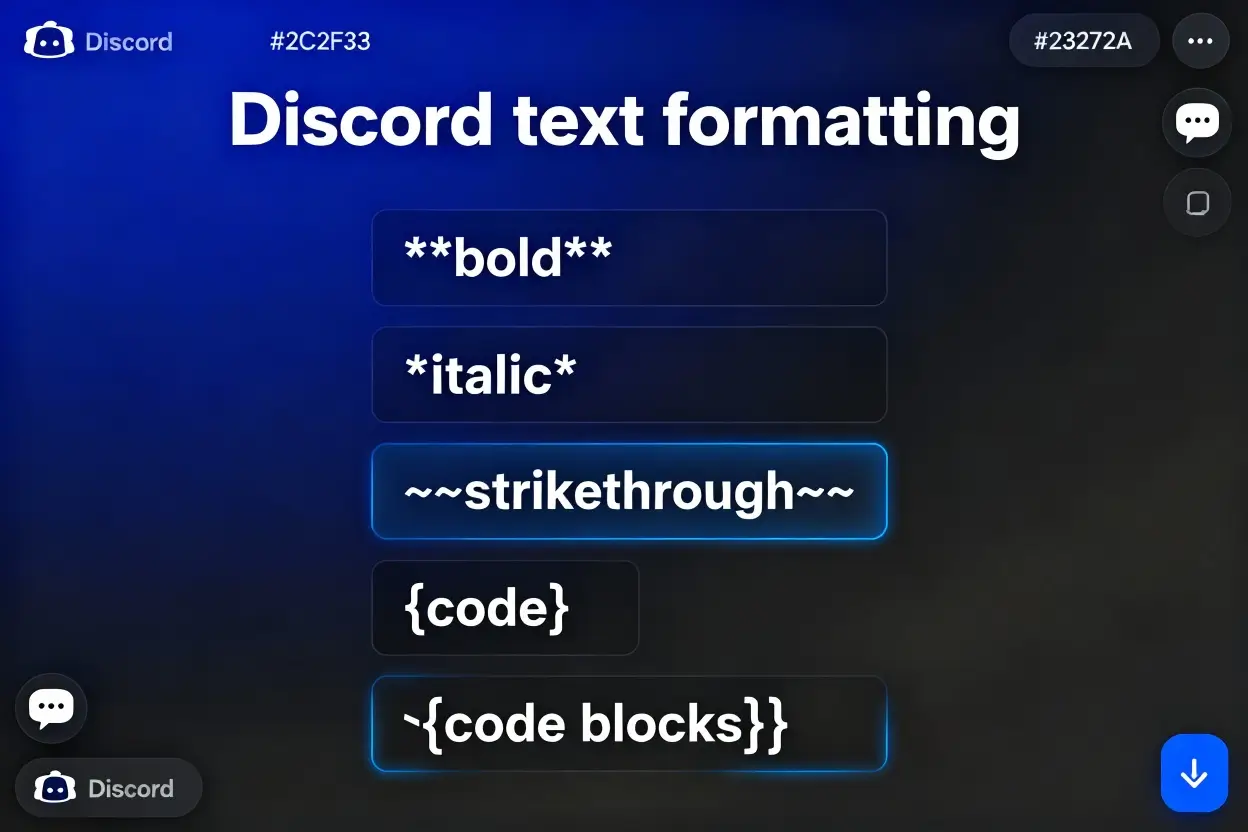
Format text for Discord. Perfect for formatting text for Discord.
Generate shrug emoji ¯_(ツ)_/¯ in different fonts and styles.
Compare two text documents side by side and highlight differences. Perfect for finding changes between code, articles, or any text versions with line-by-line diff.
Create authentic Charli XCX BRAT album style meme images with custom text and colors. Generate lime green aesthetic images inspired by the iconic Brat album cover. Perfect for social media, fan art, and expressing your brat summer energy!
Generate ASCII art from text.
Convert the case of a string and choose between different formats such as lowercase, uppercase, camelcase, and more.
This is an unofficial community tool and is not made, sponsored, or endorsed by Discord.